
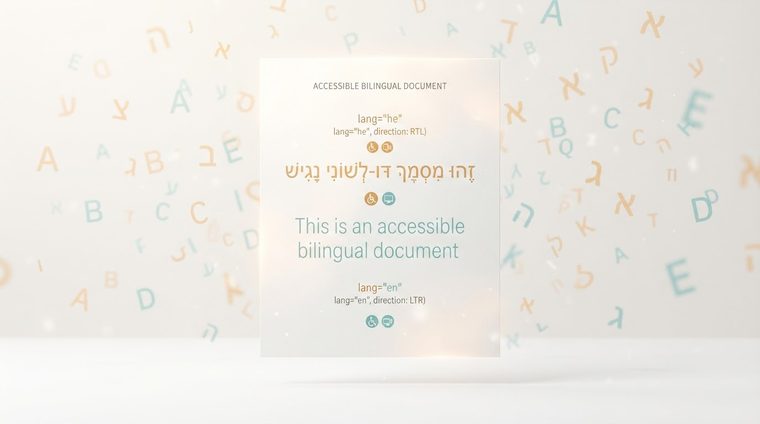
Try to imagine a screen reader trying to read a Hebrew sentence out loud, but "thinking" the text is written in English. The result: letters that sound reversed, words that connect incorrectly, and an entire sentence that becomes incomprehensible — even though the text itself is written perfectly correctly. The reason: the document's language tag is missing or wrong. This is one of the most common problems in bilingual or multilingual documents, and also one of the easiest to fix.
In short — what this guide covers
Why language tagging affects reading direction
Every accessible digital document — HTML or PDF — needs a defined language tag (for example, he for Hebrew, en for English). This tag doesn't just help the screen reader choose the correct accent and pronunciation — it also determines the reading direction (RTL vs. LTR) of the text. When the tag is missing, the reading software may guess incorrectly, and in some cases this causes letters or words to be read out in reversed order, even if the visual display on screen looks completely fine.
How to set the language in Word
In Word, the document's default language is set under Review ▸ Language ▸ Set Proofing Language — there you select "Hebrew" and mark it as the default for the document. Important: changing only the display language of the software itself does not change the language tag embedded in the document. You need to make sure this setting is applied to the document content, and that it's preserved when exporting to PDF.
How to set the language in Acrobat
Even if the document was exported correctly from Word, it's worth confirming in Acrobat: Document Properties ▸ Advanced ▸ Reading Options — that's where the default language of the whole document is set. For specific text passages in a language different from the document's overall language (for example, an English quote inside a Hebrew document), you can select that passage in the Tags tree, open the tag's Properties, and choose the specific language for that segment on the Tag tab.
Documents that mix Hebrew and English
Many business documents mix Hebrew with English terms, product names, or email addresses. In most cases, the Unicode Bidi algorithm (which handles bidirectional text) correctly handles such short segments within a Hebrew sentence, as long as the document's overall language is set correctly. The problem gets worse mainly with entire paragraphs in a different language within a document — those are worth tagging separately as described above, to ensure correct reading both for the paragraph itself and for what surrounds it.
💡 Practical tip
Quick check: open the document properties in Acrobat and check the language field. If it's empty or "Unknown" — that's the first thing to fix, before any other accessibility check.
Not sure whether your documents' language is set correctly?
Our tool checks language tagging across every PDF file on your site, as part of the full automated scan.
Scan your site for free ←