↗
Direct link to every document
The exact URL for every file, so you can open and fix it quickly.

Run a free PDF accessibility scan and generate a complete inventory of every document on your website.
Finding PDF documents on your site
We immediately check each document's structure tags, alt text, and reading order.
Due to the number of pages found on your site, the full scan may take longer. Provide your details and we'll send the complete report as soon as it's ready.
As soon as the full scan is complete, we'll send the report to the email you left.
Have questions in the meantime? Contact us for a free initial consultation.
| Document link | Pages | Document date | Status | Accessibility score |
|---|
After running our PDF accessibility checker, you get a spreadsheet mapping every document on your website, with detailed information about each file.
The exact URL for every file, so you can open and fix it quickly.
The number of pages each document contains and the scope of accessibility work needed.
When the file was published or updated, and whether it needs a refresh.
Each document is marked as Accessible, Partially accessible, or Needs attention.
A score of 10 means the document is fully accessible; 1 indicates significant accessibility gaps.
Every document gets one row in the file, with its key data alongside it.
| Document link | Pages | Document date | Status | Accessibility score |
|---|---|---|---|---|
| annual-report.pdf | 42 | 12.03.2025 | Partially accessible | 6/10 |
| terms-of-service.pdf | 8 | 04.01.2024 | Accessible | 9/10 |
| price-list-2025.pdf | 15 | 21.08.2025 | Needs attention | 3/10 |
Beyond the mapping itself, the data in the report has several practical uses for managing accessibility across your website.
The report shows exactly how many documents are on your site and how many pages each one has, so you know precisely how much work is involved in making PDF documents accessible — and can plan the work and budget accordingly.
The full mapping shows every document that exists on your site, so you can spot old or irrelevant files and remove them. That reduces your exposure to inaccessible documents simply by taking them offline.
Every document has a date, so you can filter by year and see how many documents and pages your organization uploads on average each year — helping you plan ahead for new documents to come.
The accessibility score each document receives shows immediately which ones are already accessible and which still need attention, so you can focus on what matters most first when creating accessible PDF documents.
Once the report identifies documents needing attention, upload them to AccessiDoc and start creating accessible PDFs at no cost with zero commitment.
Get free document accessibility ←European digital accessibility legislation also applies to the documents and files you publish on your website.
European regulation requires websites to be accessible — including every file published on them, such as PDF, Word and presentation files. Two key laws sit behind this requirement: the Web Accessibility Directive (2016/2102) and the European Accessibility Act, both of which point to the EN 301 549 standard and the WCAG guidelines.
The 2016 directive applies to public-sector bodies — government offices, local authorities and public services. The European Accessibility Act, which took effect in June 2025, extends the obligation to private companies too — banks, online stores, airlines, telecoms and more — that offer services to consumers in the EU, even if the company is headquartered outside Europe.
Each EU member state sets its own fines and enforcement mechanism, and in some countries they can reach tens or even hundreds of thousands of euros per violation — alongside the authority to demand fixes, suspend a service, and even publish the names of organizations that fail to comply.
Roughly a quarter of the adult population in the EU — about 90 million people — lives with some form of disability. For them, an inaccessible document simply blocks access to the information. Accessibility is what ensures that everyone, including screen-reader users, can read and use your documents.
The information above is general, based on public legislation, and does not constitute legal advice. Organizations serving customers in the United States should also weigh their own ADA compliance audit requirements alongside EU rules.
Click a question to see the full answer.
An accessible document is a file, such as a PDF, that everyone can read and use — including people who use a screen reader, navigate only with a keyboard, or rely on magnification software. This includes correct structure tags, alt text for images, a logical reading order, and a defined document language, among other things.
Document accessibility is for anyone who struggles to consume digital content in standard form—such as blind or low-vision users who rely on screen readers, people with motor disabilities who use keyboard navigation, and those with reading difficulties who use assistive tools. In practice, an accessible document is more usable for everyone.
The system focuses on PDF documents that are published on your website and publicly available — PDFs are the most common source of accessibility issues on websites. For other file types, like Word documents or presentations, feel free to reach out to us through the contact form.
The system checks every public document it discovers by crawling your site. The report notes the scope of discovery and any access limitations, so you know exactly which documents it's based on.
An automated check quickly identifies common technical issues across every document on your site. A manual check complements it with usability, context, and reading-order testing — things that are harder to detect automatically.
Every document receives a score from 1 to 10 based on the findings within it: 10 means the document is fully accessible, and a low score points to significant gaps that need attention. The score helps you quickly prioritize which documents to start with.
No. The check identifies and documents the issues; the actual fix can be done in editing tools like Adobe Acrobat or Word, or through AccessiDoc, which offers making PDF documents accessible for free. If you'd like guidance through the fix process, feel free to reach out using the form below and we'll be happy to help.
No. The report is a professional tool for spotting gaps and prioritizing fixes against requirements like WCAG, PDF/UA and EN 301 549, but it is not a certificate of compliance and does not constitute legal advice. For a full compliance review — including an ADA compliance audit for US-facing organizations — we recommend also using manual testing and professional legal advice.
The scan duration depends on how many documents are on your site. A small to medium site typically takes a few minutes; larger sites with hundreds of documents may take a little longer.
The initial scan and the mapping file are completely free. If you need more in-depth support — like manual testing or help fixing your documents — we'd be happy to talk and put together a solution that fits your needs.
Yes. You can re-run the scan at any stage, see how the scores and statuses have changed, and confirm that the fixes actually resolved the issues that were found.
Most websites don't have an organized list of every document published over the years, and old files stay online without anyone remembering they're there. The simplest way to find out is to run an automated scan of your site: the tool at the top of this page crawls your website, finds every public PDF file on it, and brings them together for you in a single report — including the page count and date for each document.
A manual check requires a screen reader and knowledge of the standard's requirements, but you can get a quick read without that too: our automated accessibility checker for PDF scans every document for structure tags, alt text, reading order and language settings, and gives it an accessibility score from 1 to 10 — so you'll know right away which documents are in good shape and which need attention.
Once our report shows which documents need attention, you can get PDF accessibility testing and remediation for free at AccessiDoc — just upload a document and we make it accessible at no cost.
Yes. While our law section above focuses on EU legislation, the same PDF accessibility checks — structure tags, alt text, reading order and color contrast — are also central to ADA compliance in the United States, since US courts and regulators generally point to WCAG as the practical standard. Many organizations use our report as the starting point for an internal ADA compliance audit, treating it as a preliminary ADA compliance audit tool for their PDF library before bringing in outside legal counsel.
Get a free initial consultation, no obligation.
Recent articles and guides on digital accessibility and document accessibility.
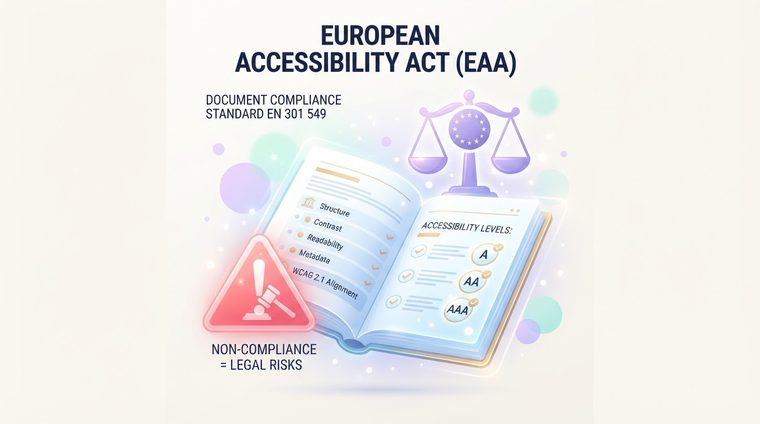
The European Accessibility Act is now in full effect — who's obligated and what's already happened in enforcement.
Public bodies, banks, healthcare, education, and retail — who actually reaches out to us.
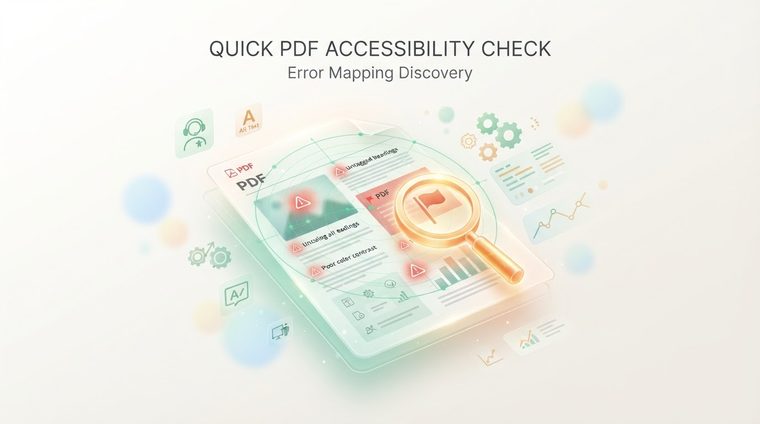
How to discover within minutes which PDF documents on your site fail accessibility rules.
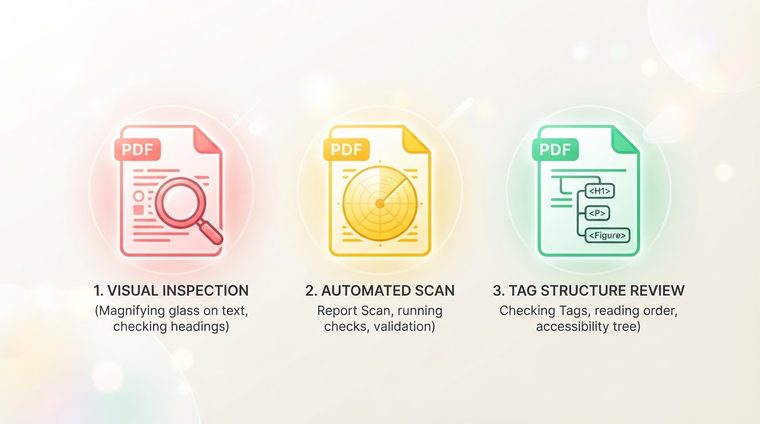
Five quick checks every content creator should run to make sure a document meets the standard.