
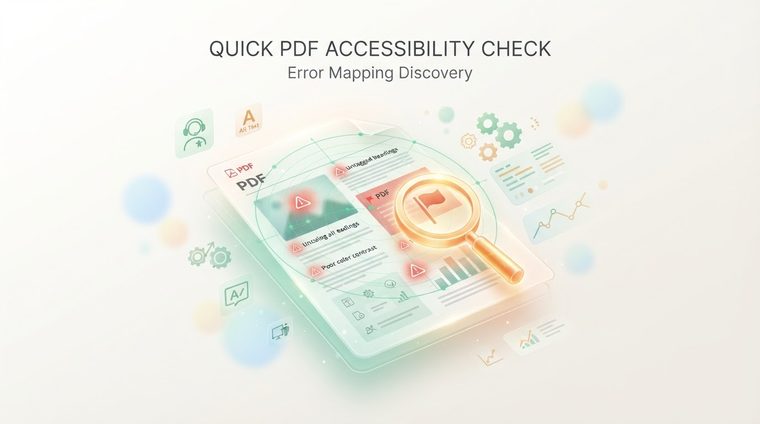
"We think our documents are accessible" is a sentence we hear a lot, and it's often simply not based on any actual testing. The problem: when a site has dozens or thousands of PDF files, manually checking each one is impossible. This article explains how to quickly map which of your documents actually pass accessibility rules — and where the most efficient solution lies.
In short — what this article covers
The problem: you can't manually check thousands of documents
An average organization with a long-standing digital presence accumulates hundreds, and sometimes thousands, of PDF files — policies, reports, forms, converted presentations. Manually checking every document, one by one, with Acrobat or a screen reader, can take many minutes per file. At that scale, manual checking alone simply isn't realistic — and that's exactly why most organizations don't even know where they stand.
Quick warning signs, even without tools
Before running a proper check, there are a few quick signs that can hint at a problem in an individual document:
- The file is a scan (an image), not text: if you can't select and copy text from the document, it probably never went through OCR — and a screen reader can't read it at all.
- There's no navigation menu in the side toolbar: in Acrobat, if clicking the bookmarks/tags icon on the side shows nothing, the document probably has no tag structure.
- The title field in the document properties is empty or "Untitled": a sign the document didn't even get the most basic treatment of setting a title.
Fully mapping your site — the most efficient solution
Manual signs are good for checking a small sample, but to get a true picture of your whole site you need a tool that scans all the documents at once. The most efficient solution is to use our free tool: it automatically scans every PDF file on your site and gives each document a clear accessibility score — so instead of guessing, you get a ranked list of which documents urgently need attention and which are already in good shape.
💡 Why this is more efficient than manual checking
Automatically scanning your whole site takes minutes, not weeks — and the result is a clear heat map showing exactly where the most severe problems are, so you can prioritize the work based on what actually matters (the most-viewed documents, or the most legally exposed ones) instead of working at random.
What to do with the results
Once you have a clear map of all the documents and their scores, the next step is to prioritize: start with the documents that have the lowest scores and are also the most viewed or the most legally sensitive (forms, policies, contracts). From there, you can choose to fix them in-house following the guides we've covered in this magazine, or use our professional accessibility remediation service for a full fix at scale.
Want to know exactly how many documents on your site need attention?
Our tool scans every PDF file on your site within minutes and gives each document a clear accessibility score — for free and with no commitment.
Scan your site for free ←After scanning, you can also make the documents that were found accessible directly and for free via AccessiDoc.