
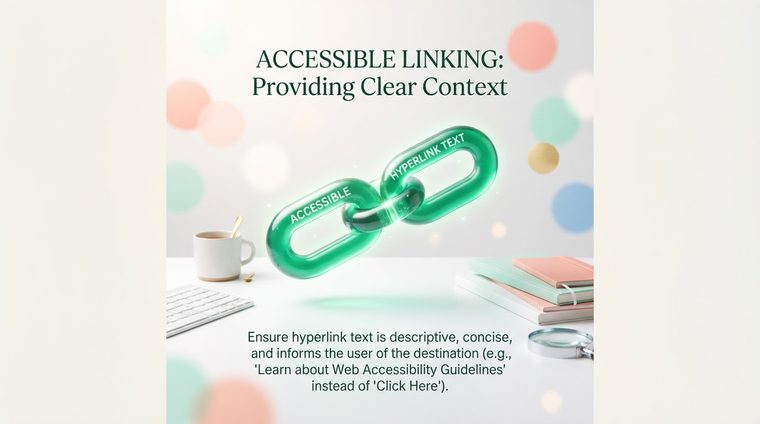
Try this: close your eyes and imagine someone reading you a list of every link on the page, without the surrounding text — just the link text itself, one after another. If the list sounds like "click here, click here, read more, click here" — that's exactly what many screen reader users experience, because they use a "links list" feature to navigate a document quickly.
In short — what this guide covers
Why "Click Here" Fails
WCAG criterion 2.4.4 ("Link Purpose in Context") requires that the link text, together with its immediate context, explain where it leads or what it does. "Click here" and "read more" fail because they say nothing on their own — they depend entirely on the surrounding text, which a user navigating by a links list in a screen reader simply doesn't hear.
How to Write Good Link Text
The simplest rule: link text should describe the destination or action, not the clicking mechanism. "Download the annual report (PDF, 2MB)" is significantly better than "Click here to download the report." "Read our full privacy policy" is better than "Click here for more details." For a downloadable file, it's also a good idea to note the type and size in parentheses — this helps all users, not only those using a screen reader.
When Nearby Context Is Actually Enough
WCAG doesn't require link text to stand entirely on its own in every case — you're allowed to rely on immediate context (the same paragraph or the same list item), as long as that context is also accessible to a screen reader and not just visually. The practical problem: repeated "read more" links in an article list are a great example of a borderline case — visually it's clear which article each "read more" belongs to, but in an isolated links list they all sound identical. A common solution: adding extra text to the link that's hidden visually but accessible to a screen reader (for example, "Read more about [article title]"), so both the visual display and the read-aloud version work well.
💡 Practical Tip
A quick rule of thumb: read the link text out loud, on its own, with nothing around it. If it doesn't make sense that way — it needs better text.
How This Works in PDF Documents
In PDF documents, links are tagged as a Link object within the tags tree, with internal text that's exactly what gets read aloud. The common problem in documents exported from Word: a full URL is pasted in as the link text itself ("https://example.com/very/long/path/document.pdf") — a screen reader will read the entire address letter by letter or segment by segment, making it unbearable to listen to. The fix: replace the link text with a short, clear description, and keep the full address only as the destination (the URL itself), not as the displayed text.
Want to Know Which Links in Your Documents Are Unclear?
Our tool identifies generic links and raw URLs used as link text across every PDF document on your site.
Scan your site for free ←