
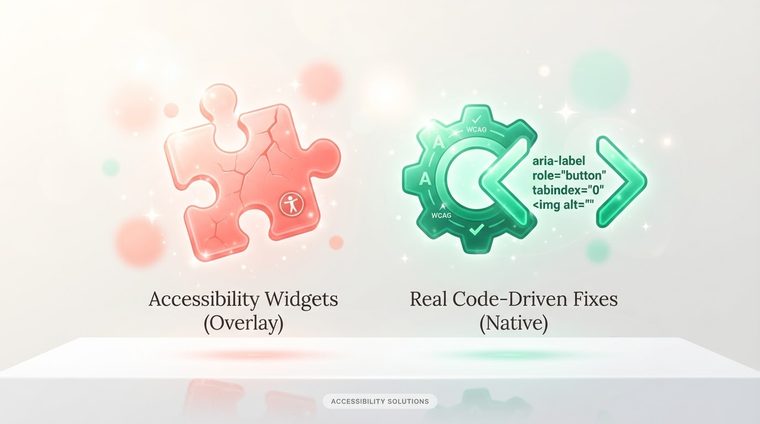
"We installed a floating accessibility widget, now our site is accessible" — this is one of the most costly mistakes organizations make. Accessibility widgets/overlays look like a magic solution: one snippet of code added to the site that promises instant accessibility. The reality is completely different, and this article explains why.
In short — what this article covers
What accessibility widgets actually do
These widgets typically add a floating menu with options like enlarging text, changing contrast, or highlighting links — visual changes that run through JavaScript on top of the existing site, without touching the source code. Some also try to "fix" accessibility issues automatically by analyzing the page in real time.
What they can't fix
The problem: an external widget can't know what an image is supposed to depict, can't fix a logical reading order in a complex table, and can't understand the intent behind a custom interactive component. In many cases, these widgets even interfere with real screen readers — because they add their own JavaScript layer that conflicts with the assistive technology the user is already using. Many users with disabilities report actively turning off such widgets because they "break" their normal browsing experience.
💡 An important point
International organizations for the rights of the blind (the NFB in the US, and their European counterparts) have issued official statements against relying on accessibility widgets as a sole solution — precisely because they don't solve the real structural problem.
The surprising legal risk
There's a certain irony here: in several cases around the world, companies that installed a floating accessibility widget were still sued — and in some cases, the lawsuit explicitly pointed to the widget as "evidence" that the company knew about the accessibility problem but chose a cosmetic fix instead of solving the real issue. Relying exclusively on a widget like this provides no real legal protection.
What actually works
The real solution is fixing the source code: proper semantic HTML structure, ARIA tags where needed, contrast built into the design itself, and real alt text for images. It takes more work than installing a widget, but it's the only way to create accessibility that actually works with the assistive technology users already know and use every day — instead of forcing a new layer on them that they never asked for.
Want to check whether your documents need a real fix, not just a cosmetic layer?
Our tool checks the actual internal structure of your PDF files — not just their outward appearance.
Scan your site for free ←After scanning, you can also make the documents that were found accessible directly and for free via AccessiDoc.