
An accessible responsive website is not the same thing as an accessible app — even though both "work on the phone." This article explains the critical differences between making a website accessible and making a native iOS or Android app accessible.
In short — what this article covers
Different Technology, Similar Rules
A responsive website is built from HTML, which already has a built-in accessibility layer (semantic tags, ARIA) that browsers and screen readers know how to interpret. A native app, by contrast, is built from the operating system's own UI components (UIKit/SwiftUI on iOS, Jetpack Compose/Views on Android) — and every component needs its own accessibility tagging, separate from its visual design. The underlying principles resemble WCAG (contrast, touch-target size, a clear accessible name), but the tools for implementing them are completely different.
VoiceOver and TalkBack: Not the Same Screen Reader
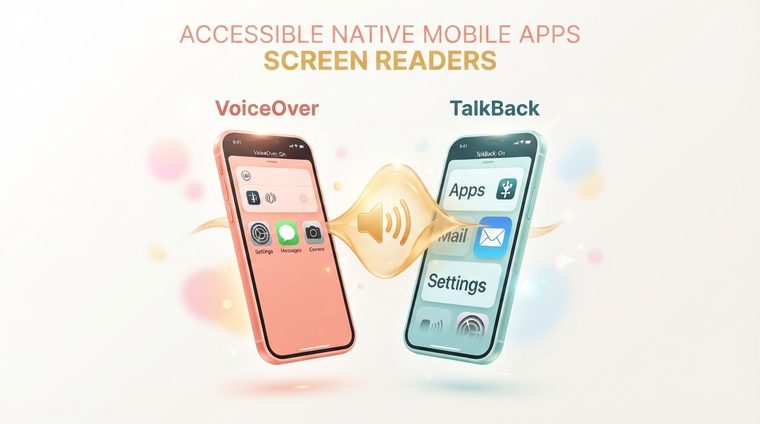
VoiceOver (iOS) and TalkBack (Android) are two different screen readers, with different navigation gestures and different support for custom components. A component that's tagged perfectly on iOS may not work correctly on Android if developers haven't tested both platforms separately. You can't assume that "we tested it on iOS, so it must work on Android too."
💡 Important Point
On both platforms, every interactive component (button, input field, image) needs: a clear accessibility label, a defined accessibility role/trait, and sometimes also an accessibility hint that explains what happens when it's tapped.
What's Unique to Native Apps
Native apps also face challenges that don't exist on websites: custom touch gestures (swipe, pinch) that need an accessible alternative; navigation between screens that has to make sense through a screen reader too; and push notifications that need to be accessible even when they appear outside the app itself. In addition, touch-target sizes must meet a minimum of 44x44 pixels under Apple's guidelines and 48x48dp under Google's guidelines — a requirement that doesn't always exist in the same form on websites.
How to Test an Accessible App
- Turn on VoiceOver or TalkBack and try to complete the app's core tasks (sign-up, purchase, search) using only them.
- Check contrast and text size with system accessibility settings turned on (larger text, high contrast).
- Confirm support for dynamic text sizing (Dynamic Type on iOS) without the layout "breaking."
- Test on both platforms separately — testing only one isn't enough.
Do You Also Have Documents That Accompany Your App?
Our tool scans the PDF files linked to your app or website — terms of use, guides, forms — and shows you exactly which ones need attention.
Scan your site for free ←After the scan, you can also make the documents it found accessible directly and for free via AccessiDoc.