
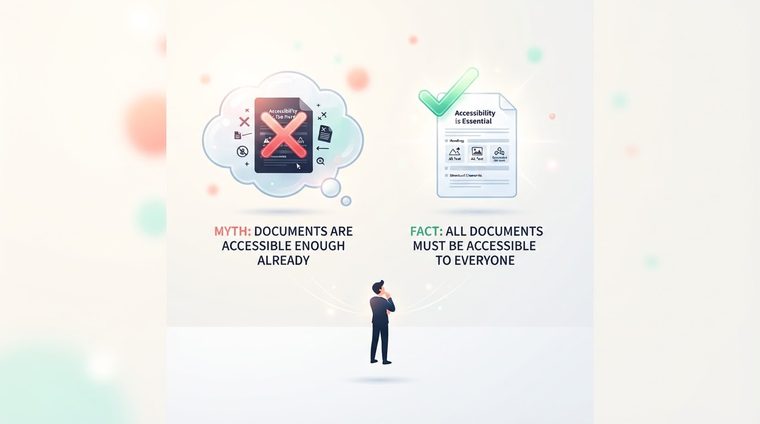
"We installed an automated scanning tool, so we’re fine" — that’s one of the most dangerous sentences we hear from organizations. Not because automated tools aren’t useful (they very much are), but because the assumption that "software solves everything on its own" leads many organizations to believe they’re accessible when, in practice, they’re far from it. This article debunks the most common myths in the field.
In short — what this article covers
Myth 1: "An automated tool catches every issue"
The reality: research in the field shows that automated tools catch, on average, somewhere between a third and half of actual accessibility issues. They’re excellent at spotting clear structural problems — a missing tag, numerically low contrast, an undefined language — but they can’t judge quality: whether alt text actually describes the image, or is just a disguised "image1.jpg"; whether the reading order of a complex table actually makes sense to a real user.
Myth 2: "If we passed an automated scan, we’re accessible"
A document can "pass" a full automated scan and still be completely unusable for a screen reader user. A common example: a table with headers that are technically tagged correctly but in the wrong logical order — the automated tool is "satisfied" because headers exist, but a real user reading it ends up completely confused. Only human testing, usually with an actual screen reader, uncovers gaps like this.
Myth 3: "Accessibility is a one-time task"
Many organizations make one batch of documents accessible and feel like "we’ve handled it." But new documents get published constantly — an updated policy, a new quarterly report, a revised sign-up form — and each one can slide right back to square one if there’s no workflow that builds accessibility in by default. Accessibility is an ongoing process, not a project with a finish line.
Myth 4: "It’s only relevant to people with visual impairments"
Document accessibility serves a much broader audience: users with motor impairments who navigate by keyboard only, users with reading and attention difficulties who rely on a clear heading structure, older users, and even "ordinary" users reading a document on a small mobile screen or in bright sunlight. An accessible document is simply a better document for everyone.
💡 Food for thought
The safest way to think about it: an automated tool is a first-pass quality check — like a spell checker. It catches obvious errors, but it doesn’t judge whether the sentence actually makes sense. Even good writing needs a human editor.
Where professional expertise is still required
The right combination isn’t "automated vs. human" — it’s both together: an automated tool scans at scale and quickly flags clear structural issues (which is exactly what our free tool does) — and then a human expert focuses on the most critical documents, following the same process described in our guide on mapping common errors, to make sure they’re actually usable, not just "technically valid."
Want to know if your automated tools are really enough?
Run a free scan and see not just a score, but exactly where additional human review is worthwhile.
Scan Your Site for Free ←After the scan, you can also make the documents it flags accessible directly and for free through AccessiDoc.